

Features
Your tags, your way: CampMarshal generates the QR codes. You print them yourself, or order stickers, metal tags, or large signs from any print shop.
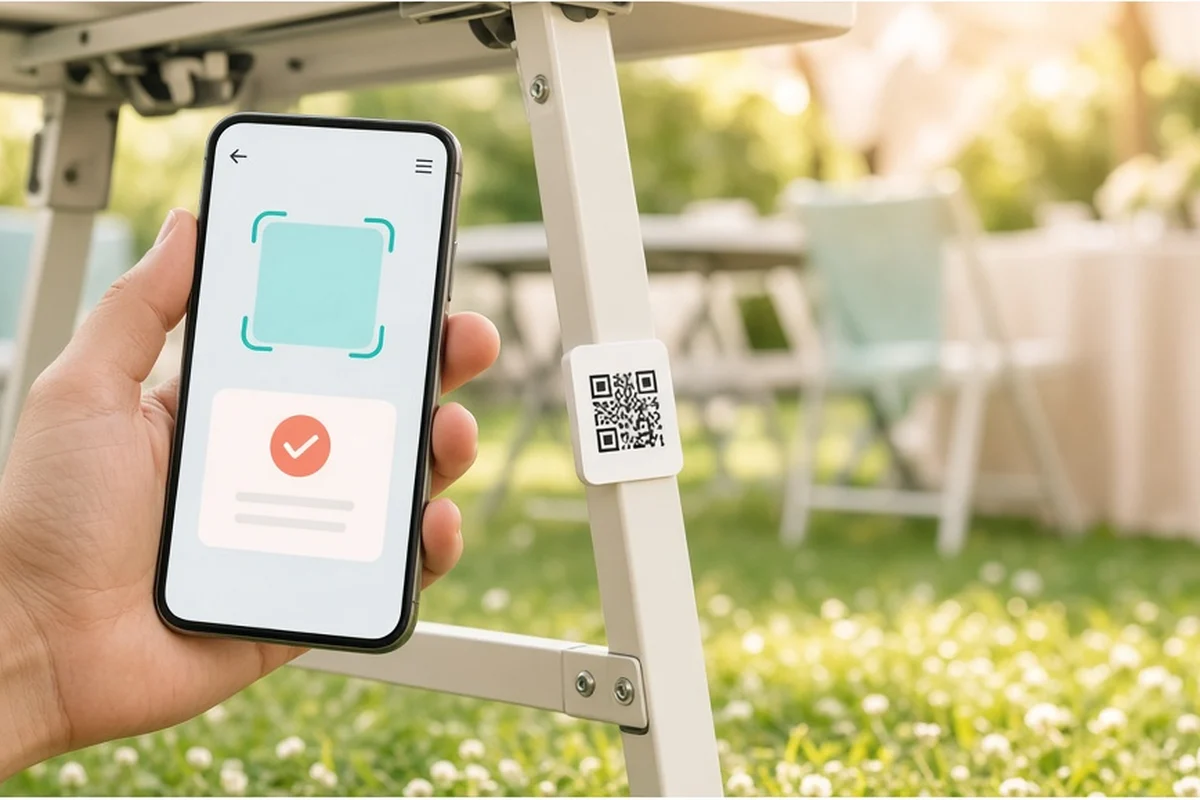
Scan it, check it, done.
Your crew scans the unit with the CampMarshal mobile app and fills out a quick form in about the time it used to take to find a pen. Scanning isn't a paid add-on or an extra seat like it is with some rental software. It's the whole point.
- Scan a QR code with the CampMarshal mobile app to open that unit.
- Fill out the check form for that kind of gear: pass or fail, notes, and a status change.
- Every scan is saved with the date, the person, and the place.
- Look a unit up by type and number when there is no code to scan.
Who it is for: Crews doing setup, takedown, load-out, and return checks.
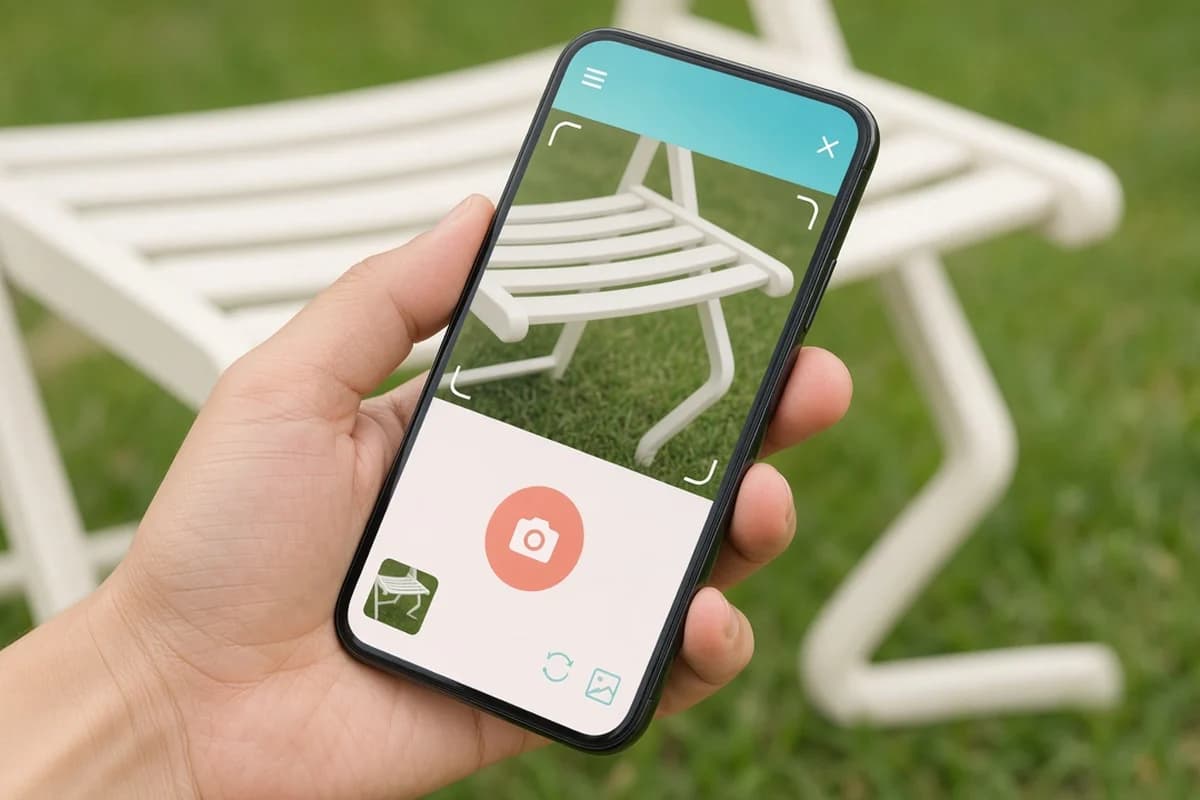
Proof in every photo.
Snap the dent, the tear, or the leaking line right on the report, and it's saved with the date, the name, and the place. You get the photo-backed condition record that some companies pay for as a separate tool, built into the check your crew already does.
- Attach photos right on the report while you fill it out.
- Photos stay on the unit history with the date, the name, and the place.
- Pull up the condition record later when a customer asks what happened.
Who it is for: Owners and managers who need a record of damage and condition.
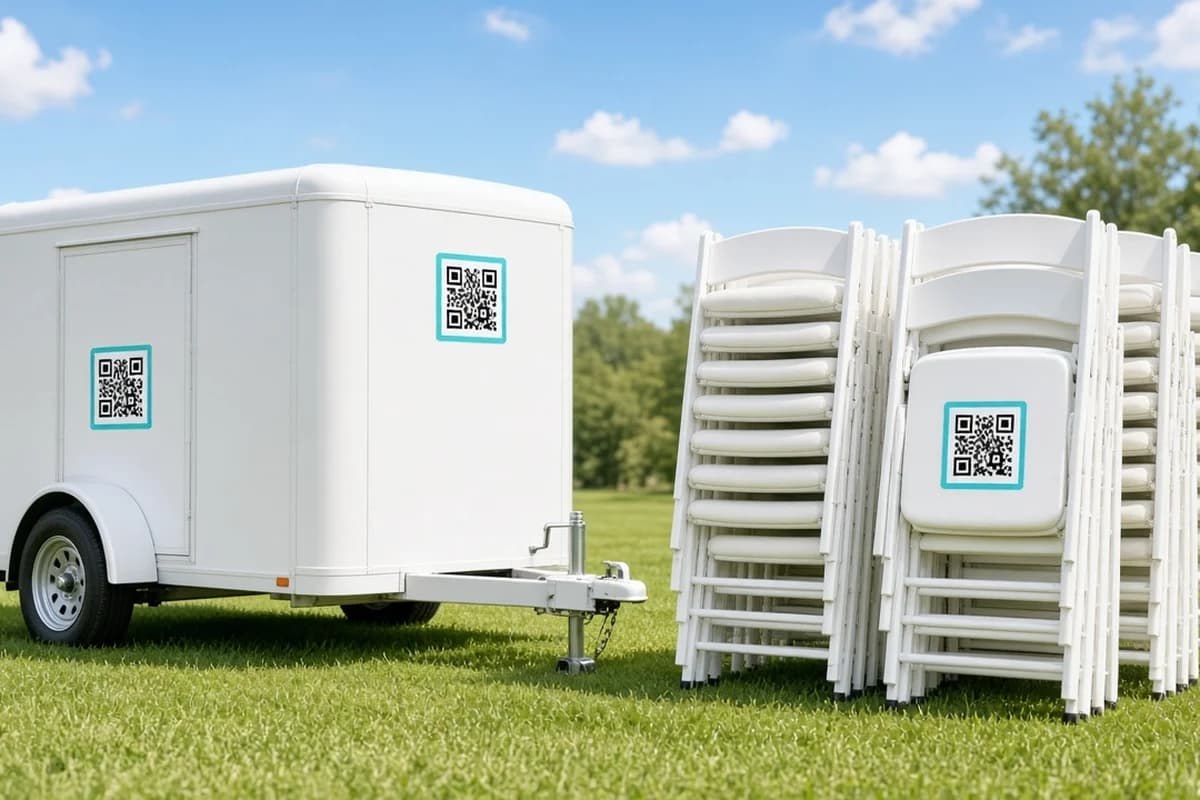
A code on anything, at any level.
Put one code on the whole restroom trailer or one on every stall, one on the chair cart or one under every chair. Other tools push you to tag every piece or nothing; CampMarshal lets you pick what makes sense for each kind of gear.
- CampMarshal generates the QR codes. Print them yourself or order tags from any print shop.
- Put one code on a whole trailer, or one on every stall or chair.
- Choose what makes sense for each kind of gear.
Who it is for: Anyone tagging a mixed fleet of big units and small items.
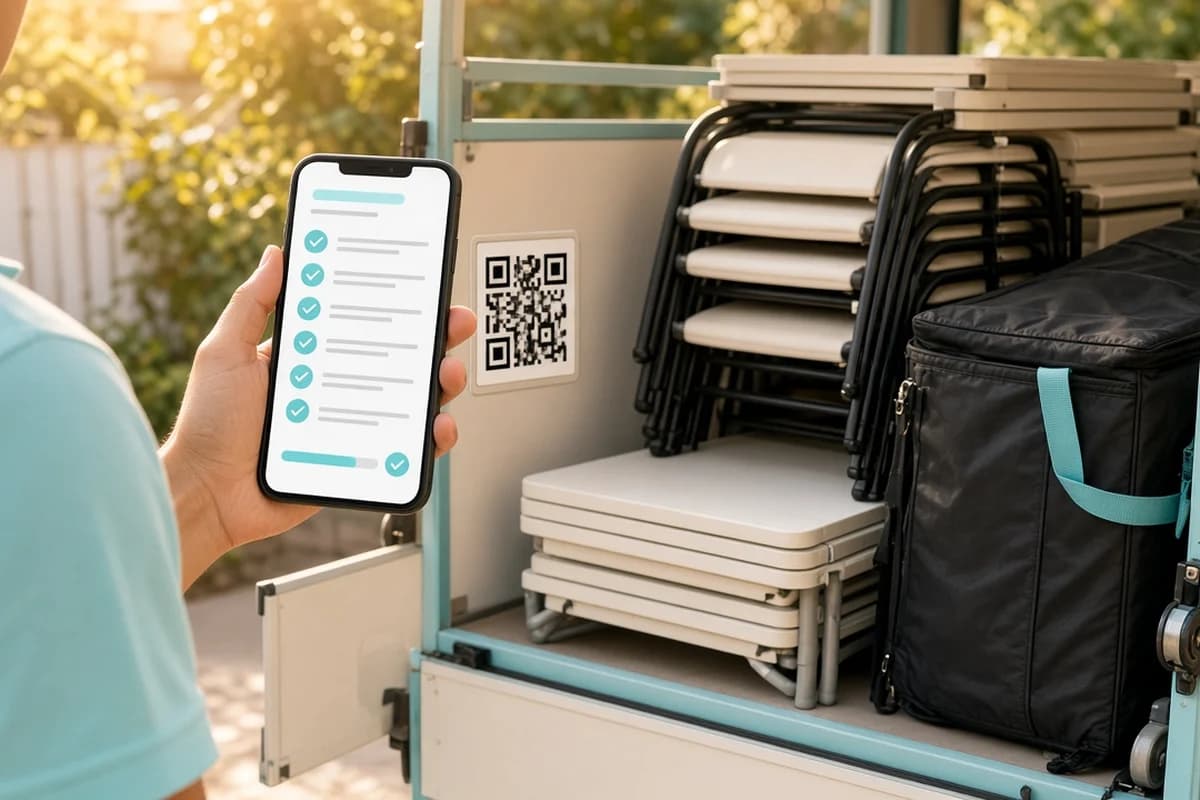
One scan for the whole load.
Load items into a cart, bin, or trailer, and one scan of the container starts or finishes everything inside. Give each item a home location, and your crew gets a reminder of where it gets put away.
- Load items into a cart, bin, or trailer.
- One scan of the container starts or finishes everything inside.
- Give each item a home location, and your crew is reminded where it goes back.
Who it is for: Warehouse and load-out crews moving lots of small gear at once.
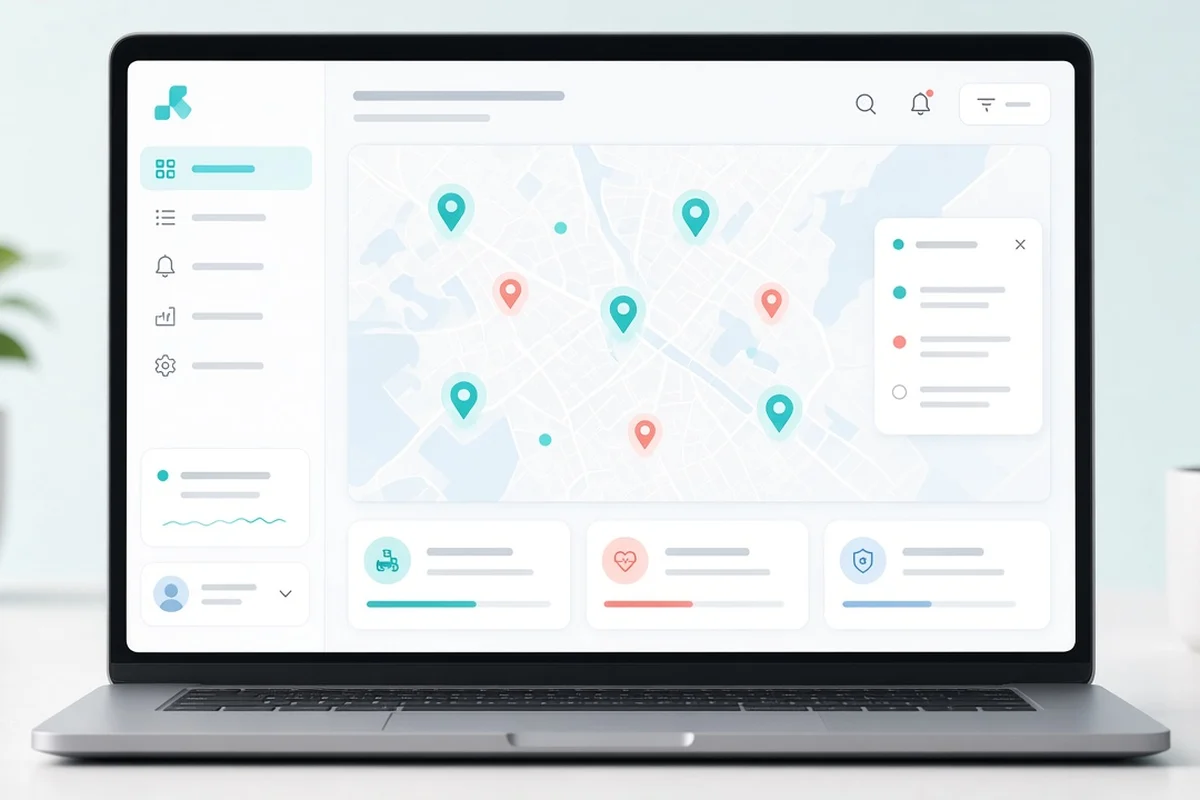
Location without the trackers.
Every scan saves where the phone was, and the live map in the web app shows where each item was last scanned. No trackers to buy and install, and no batteries dying on gear that sits all winter.
- Every scan saves where the phone was.
- The live map in the web app shows where each item was last scanned.
- No trackers to buy or install, and no batteries to replace.
Who it is for: Teams spreading gear across job sites, venues, and yards.
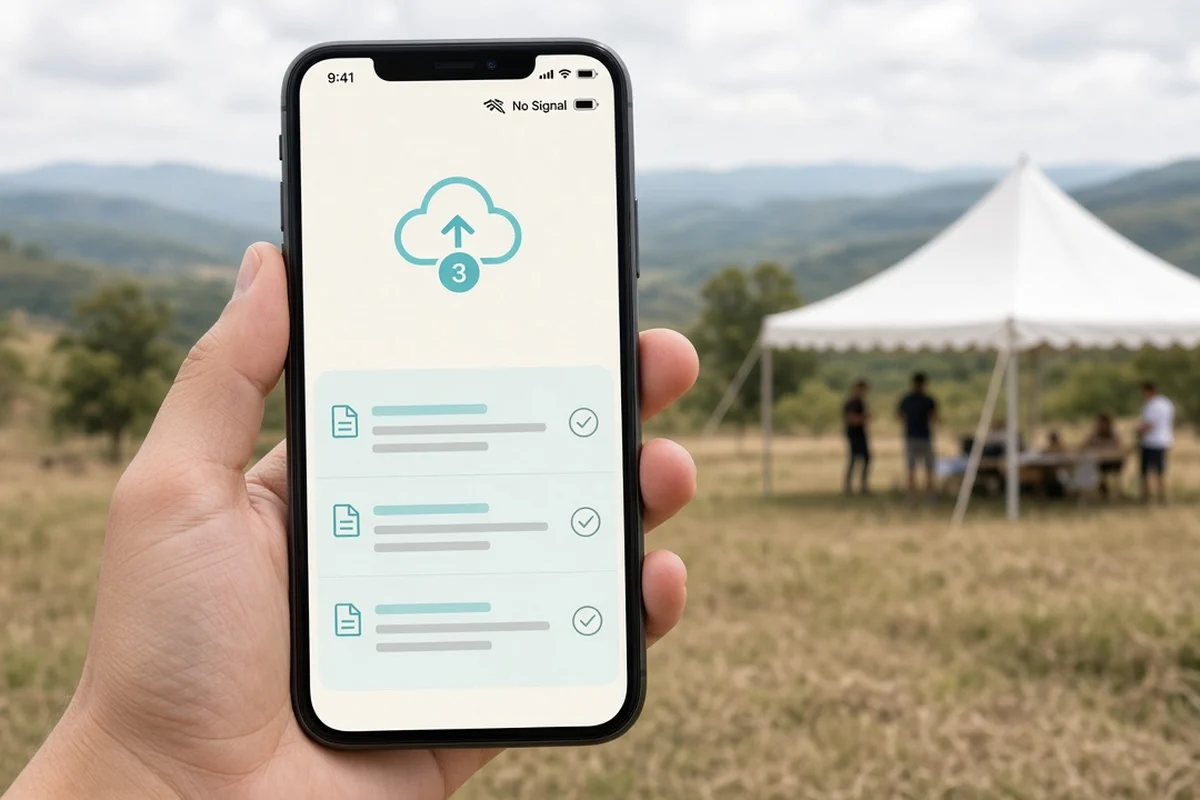
Works when the signal doesn't.
Plenty of field apps stall the moment the bars drop. The CampMarshal mobile app saves scans, reports, and photos on the phone and syncs when you're back in range.
- The mobile app saves scans, reports, and photos on the phone with no signal.
- Everything syncs on its own once you are back in range.
Who it is for: Crews at remote job sites, fairgrounds, and shelters.
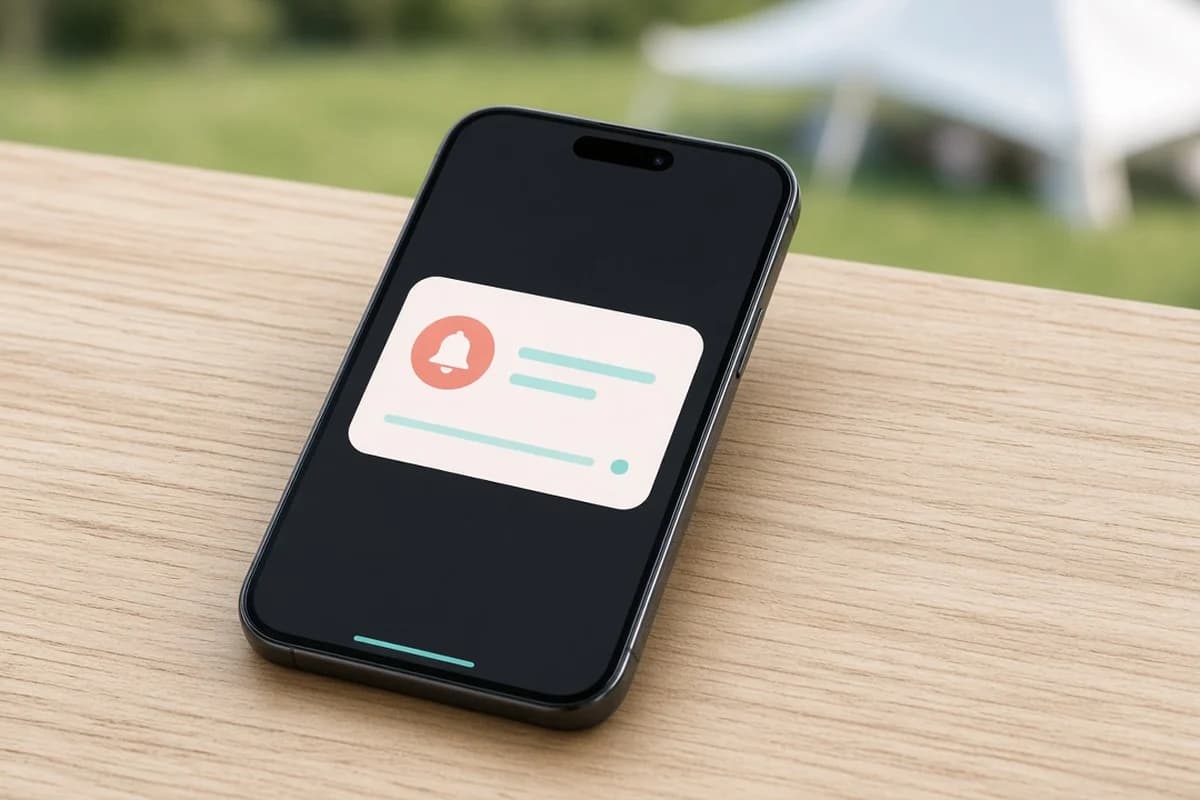
The right person knows right away.
A finding goes out instantly to the roles you choose, plus anyone following the item and the person responsible for it. Your shop lead hears about the leaking cylinder the moment it's logged, not when the clipboard finally comes back.
- Alert rules send a finding to the roles you choose.
- People following an item, and the person responsible for it, hear about it too.
- Alerts go out the moment a report is logged.
Who it is for: Shop leads, mechanics, and managers who need to act fast.
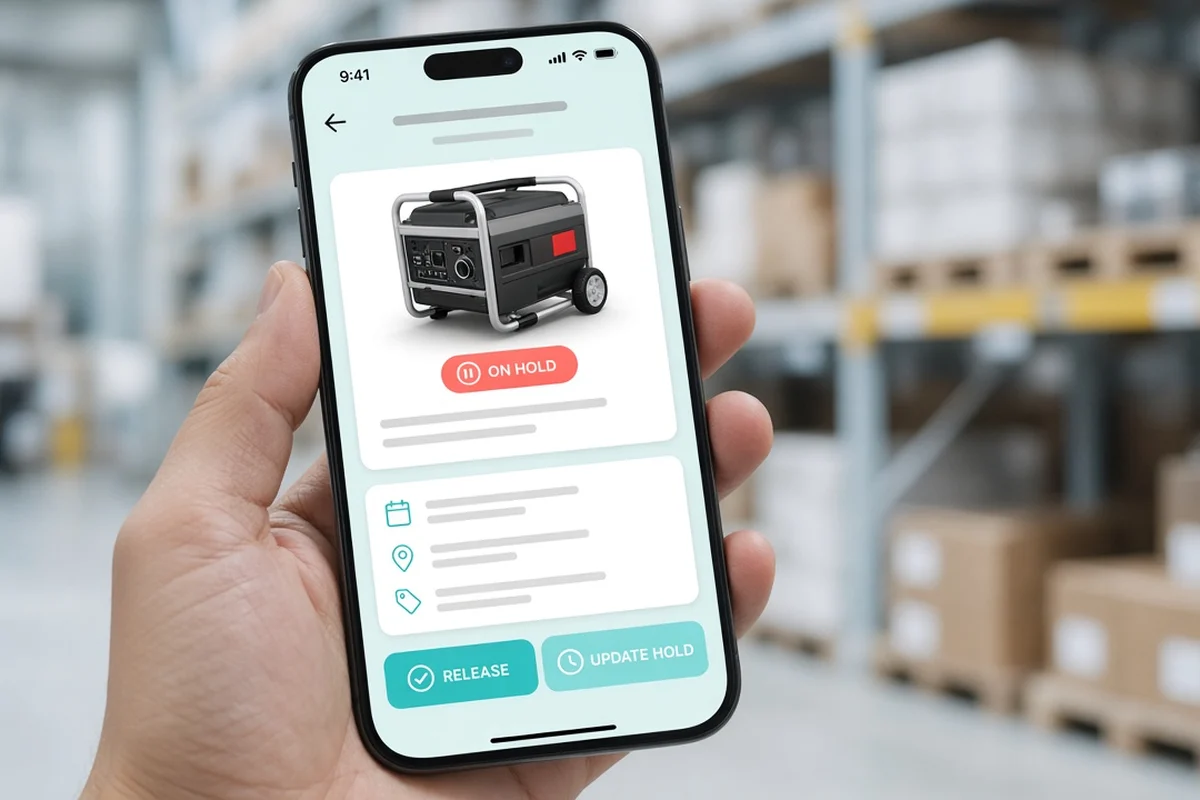
A hold that can't fall off.
Put a wet tent or a unit waiting on repair on a hold with your own hold type and a reason, and it can't be booked until someone clears it. Many systems give you a "set aside" flag; this one actually keeps the gear off the next job.
- Put a unit on hold with your own hold type and a reason.
- A unit on hold cannot be booked until someone clears it.
Who it is for: Anyone who has sent out gear that should have stayed in the shop.
Maintenance that shows up on time.
Set check rules by calendar, by status, or by time in use, and the right people get a reminder when something's due. Tasks land in a queue your mechanics can claim, skip, or reassign, on the same record as every field check.
- Set check rules by calendar, by status, or by time in use.
- The right people get a reminder when something is due.
- Tasks land in a queue your mechanics can claim, skip, or reassign.
Who it is for: Shops keeping generators, machines, and trailers on schedule.
Know what's ready and what's earning.
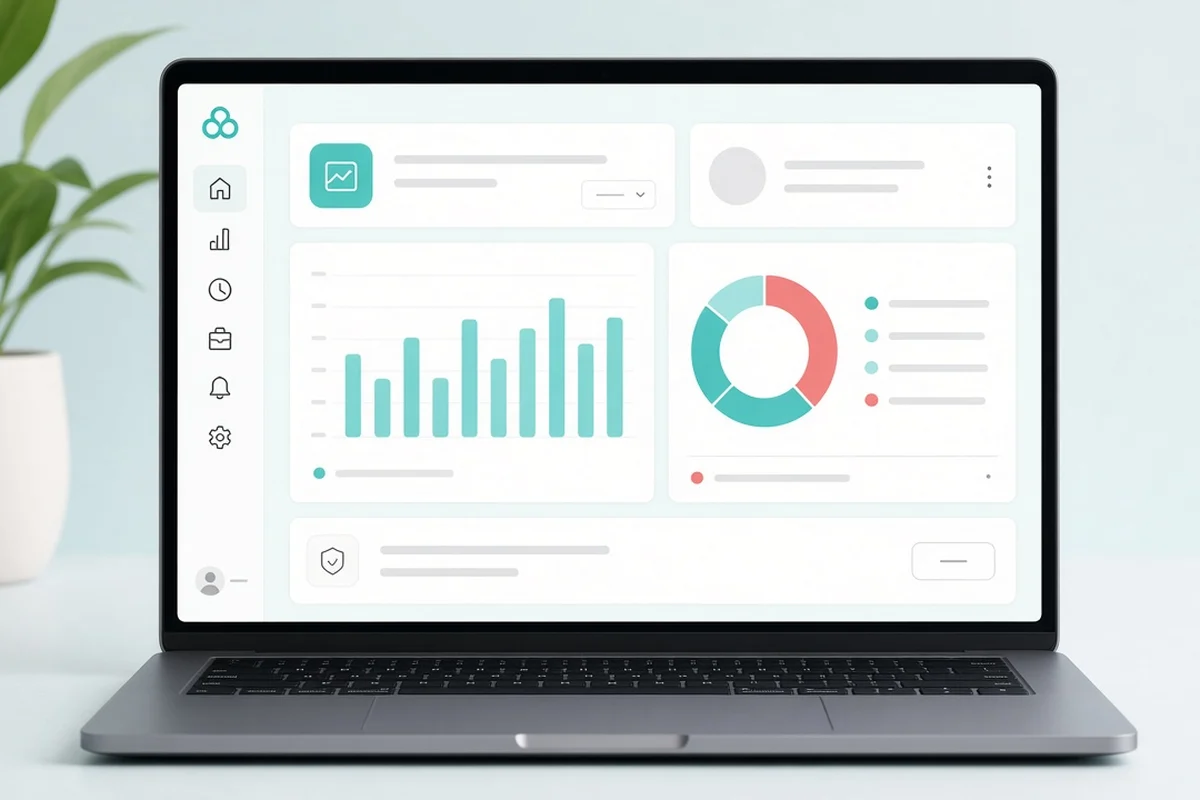
Uptime reports in the web app show how much of your fleet is up and ready, by category and date. You'll see which units are working jobs and which have been sitting in the shop.
- Uptime reports in the web app show how much of your fleet is ready.
- Break it down by category and date.
- See which units are working jobs and which are sitting in the shop.
Who it is for: Owners and fleet managers planning purchases and repairs.
Billing records without the paper chase.
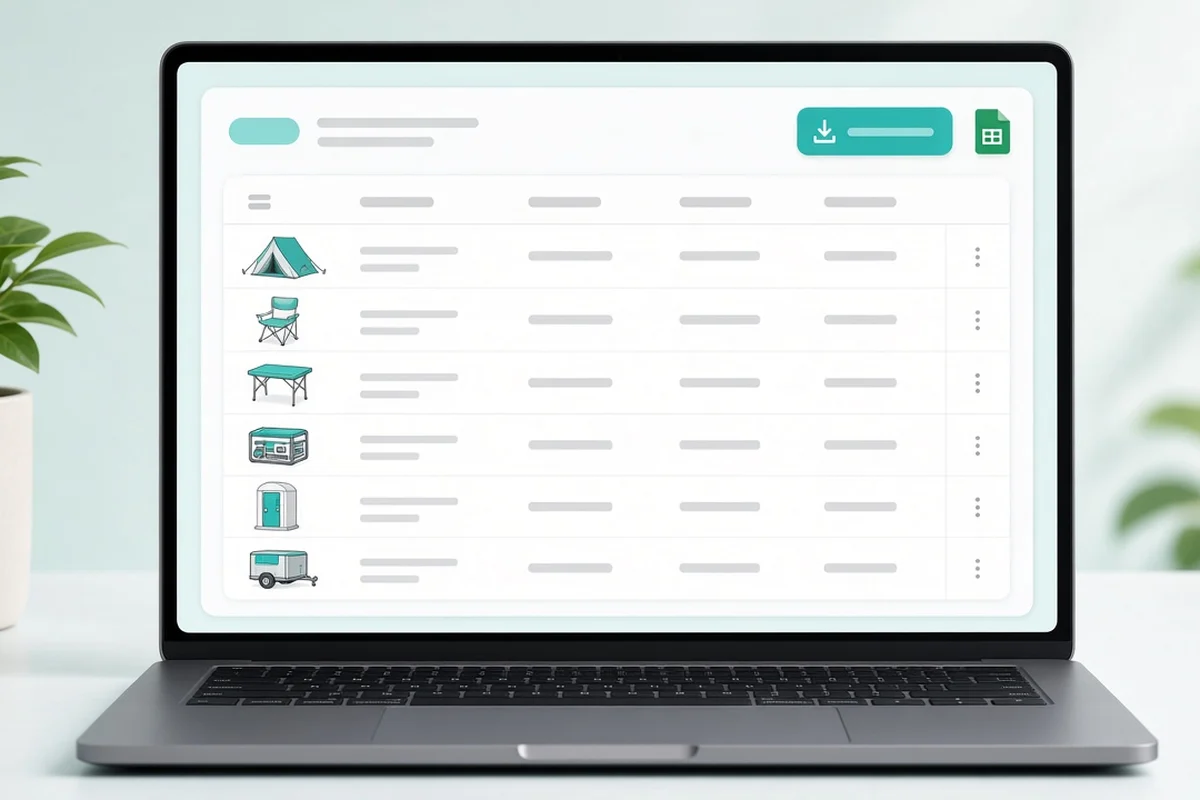
The web app keeps a day-by-day record of the equipment and crew on each job, ready to view or export to CSV. Hand it to whoever does your invoicing instead of rebuilding the job from memory.
- A day-by-day record of the equipment and crew on each job.
- View it in the web app or export it to CSV.
Who it is for: Office staff who do invoicing.
Let the public tell you.
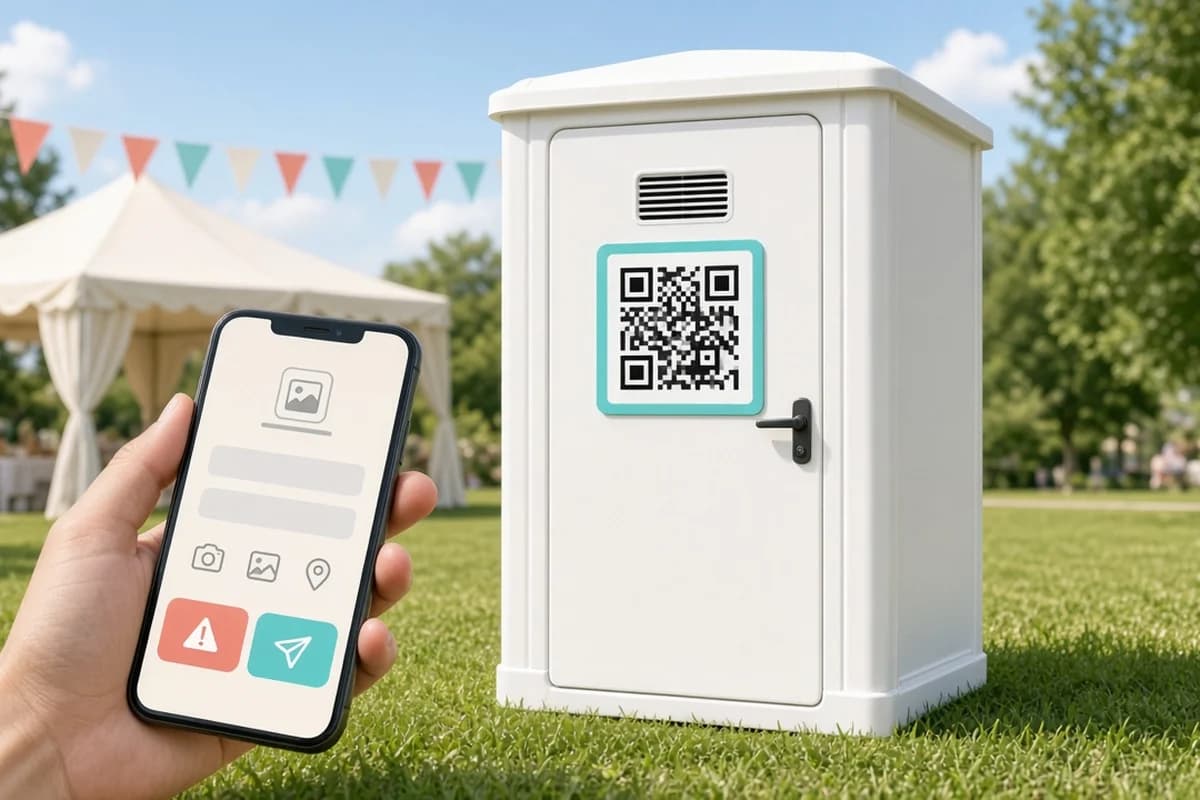
Stick a public code on a porta-potty or a shower trailer door, and anyone can scan it and leave a note on a simple web page, with no app and no login. Your team sees it right away, and you can turn it on or off anytime.
- Put a public code on a restroom or shower trailer door.
- Anyone can scan it and leave a note on a simple web page, with no app and no login.
- Your team sees it right away. Turn it on or off anytime.
Who it is for: Event, sanitation, and shelter teams with gear the public uses.